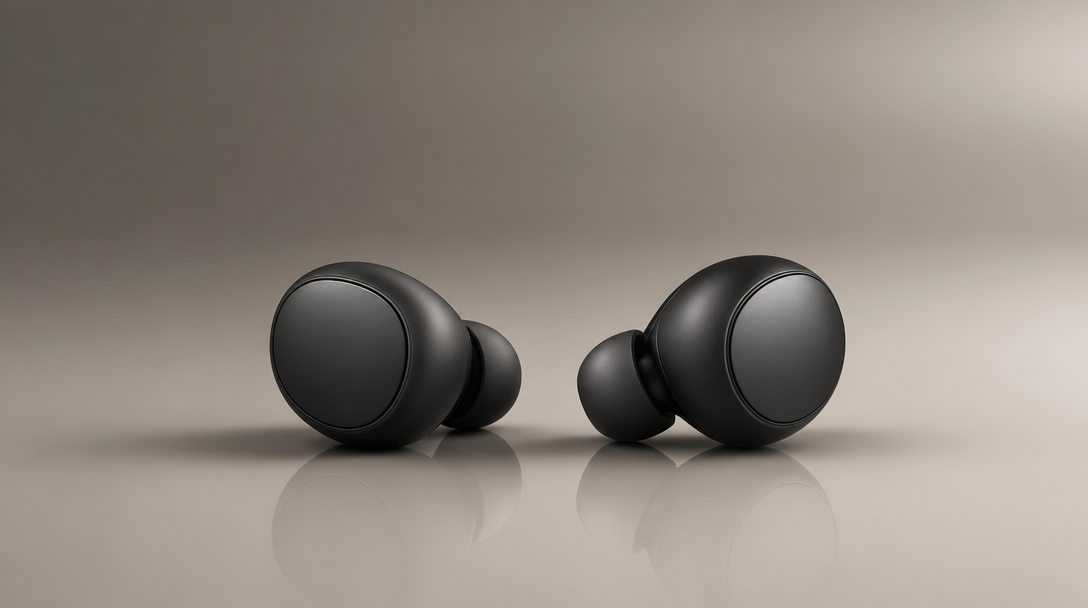
Getting a still that holds up under close inspection — clean edges, believable materials, light that reads as intentional — is the hard part of AI image generation. Most models trade fidelity for speed. The result is frames that look convincing at a glance but fall apart the moment a client zooms in on the product surface. GPT Image 2, now available in [MotionElements Studio AI], is built for exactly the moment when you can't afford that compromise.
[Try GPT Image 2 in Studio AI]
🎨 What Is GPT Image 2?
GPT Image 2 is a quality-biased image model that prioritizes finish and clarity over raw generation speed. If you're working on product explorations, pitch decks, catalog visuals, editorial lifestyle boards, or any frame that will survive a zoomed-in review, this is the model built for that standard.
It sits inside Studio AI alongside the other image generation tools — no new platform to learn. Select it from the image generator, write your prompt, tune the settings, and you have a still you can hand directly to design or marketing.

📦 Where GPT Image 2 Performs Best
Not every image model earns its place in a product shot or a hero frame. GPT Image 2 earns it in three areas:
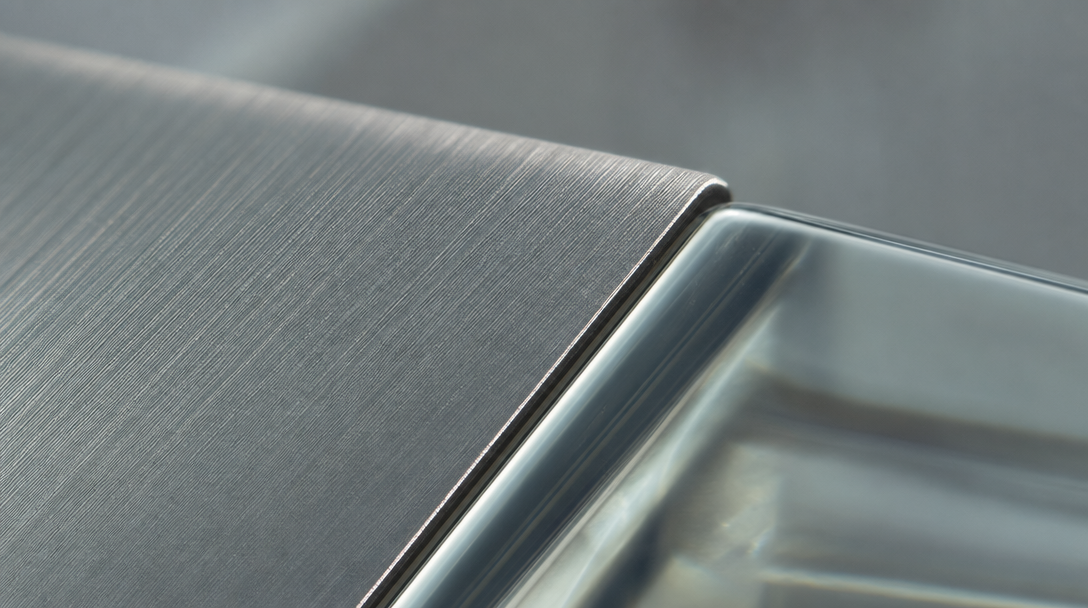
Believable materials under macro study.
Metal, glass, and matte finishes render with enough fidelity that they don't break trust when the viewer looks closely. If you're building hero details for industrial content, packaging concepts, or any shot where cheap CGI sheen would undermine the frame, this model handles it.
Catalog-grade compositions without rebuilding a physical set.
Controlled backgrounds and consistent lighting recipes let you draft product and lookbook stills across multiple concepts without resetting a studio. It's especially useful early in a project when you're exploring directions before committing to a shoot.
Editorial mood and atmosphere.
Warm daylight, fabric behavior, and interior light read naturally. If you're building lifestyle boards for a brand pitch, mood references for a campaign, or story-first marketing visuals, GPT Image 2 delivers the atmospheric quality that separates a usable reference from a placeholder.

✍️ How to Write Prompts That Get Results
GPT Image 2 responds well to concrete direction. Vague prompts still produce images — but specificity is where the quality difference becomes visible.
When writing your prompt, describe:
- Subject — what it is, what it's made of
- Lighting setup — direction, softness, color temperature
- Camera height and lens feel — eye level, overhead, wide or tight
- Surface finishes — matte, gloss, brushed metal, fabric texture
- What should stay clean — minimal background, no readable labels
The model is also known for strong typography handling. If you're working on packaging-style renders where text must stay legible, give yourself a few iterative passes — small adjustments to wording often make a significant difference in how type renders.
▶️ The Three-Step Workflow in Studio AI
Getting from brief to usable still is a short process:
- Tell your vision — describe the subject, lighting, lens feel, and materials with as much specificity as your brief demands
- Choose your settings — adjust aspect ratio and quality to match your project requirements; higher quality and larger canvases take longer and may affect cost
- Download or iterate — review the output, refine the prompt or settings if needed, and generate variations for side-by-side comparison
No professional retouching experience required. Clear language and a handful of passes gets most briefs close; use the available settings when you want more control without manual compositing.
[Start generating with GPT Image 2]
✅ Is GPT Image 2 Right for Your Project?
GPT Image 2 is the model you reach for when the finish of the output matters more than the time it takes to get there. It's a good fit if you're working on:
- Product explorations and catalog-grade stills
- Pitch visuals and concept frames
- Social or web crops that need to look intentional
- Editorial lifestyle boards and brand mood references
For the fastest drafts or lowest cost per still, Studio AI also offers other image models you can compare outputs against in the same tool.
Commercial use of generated media depends on your Studio AI plan and the applicable terms. Review the current licensing conditions in your account before delivering generated assets to clients.
[Explore GPT Image 2 on MotionElements Studio AI]
※ GPT Image 2 is available now through the image generation workflow in Studio AI. Select the model, supply your prompt, and tune the options to match your delivery specs.